
Pallet Calculator in 3D
See how identical cartons fit on a pallet before you count the shipment. Compare row arrangements, inspect a single layer, and include both the loaded height and the cargo weight limit.
Explore This Calculator
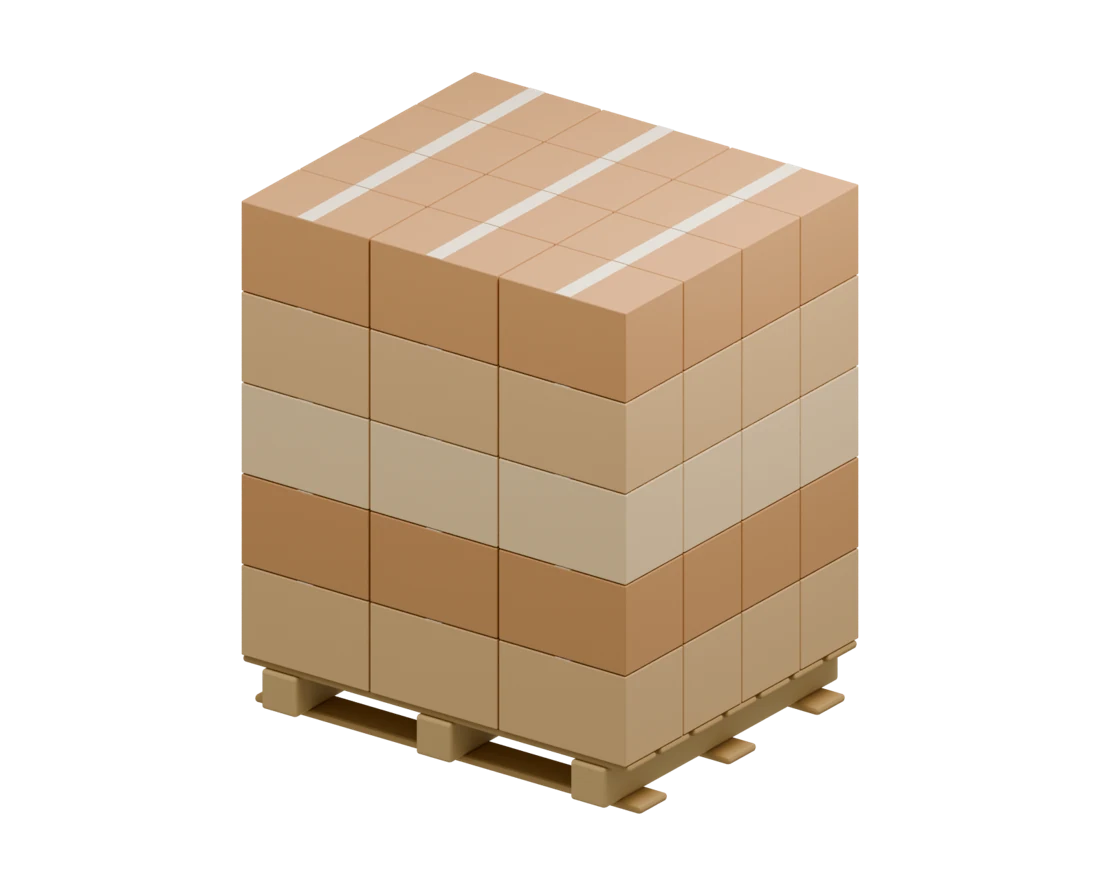 Drag to Rotate
Every carton shown belongs to the first pallet of the shipment. A partially filled top layer is drawn when needed.
Height and Weight Both Count
The height limit includes the empty pallet. The cargo weight limit applies only to cartons. The smaller of the height-based and weight-based counts sets the maximum cartons per pallet.
| Check | Available | Used on First Pallet |
|---|---|---|
| Height | 60 in | 56 in |
| Cargo weight | 1,500 lb | 1,200 lb |
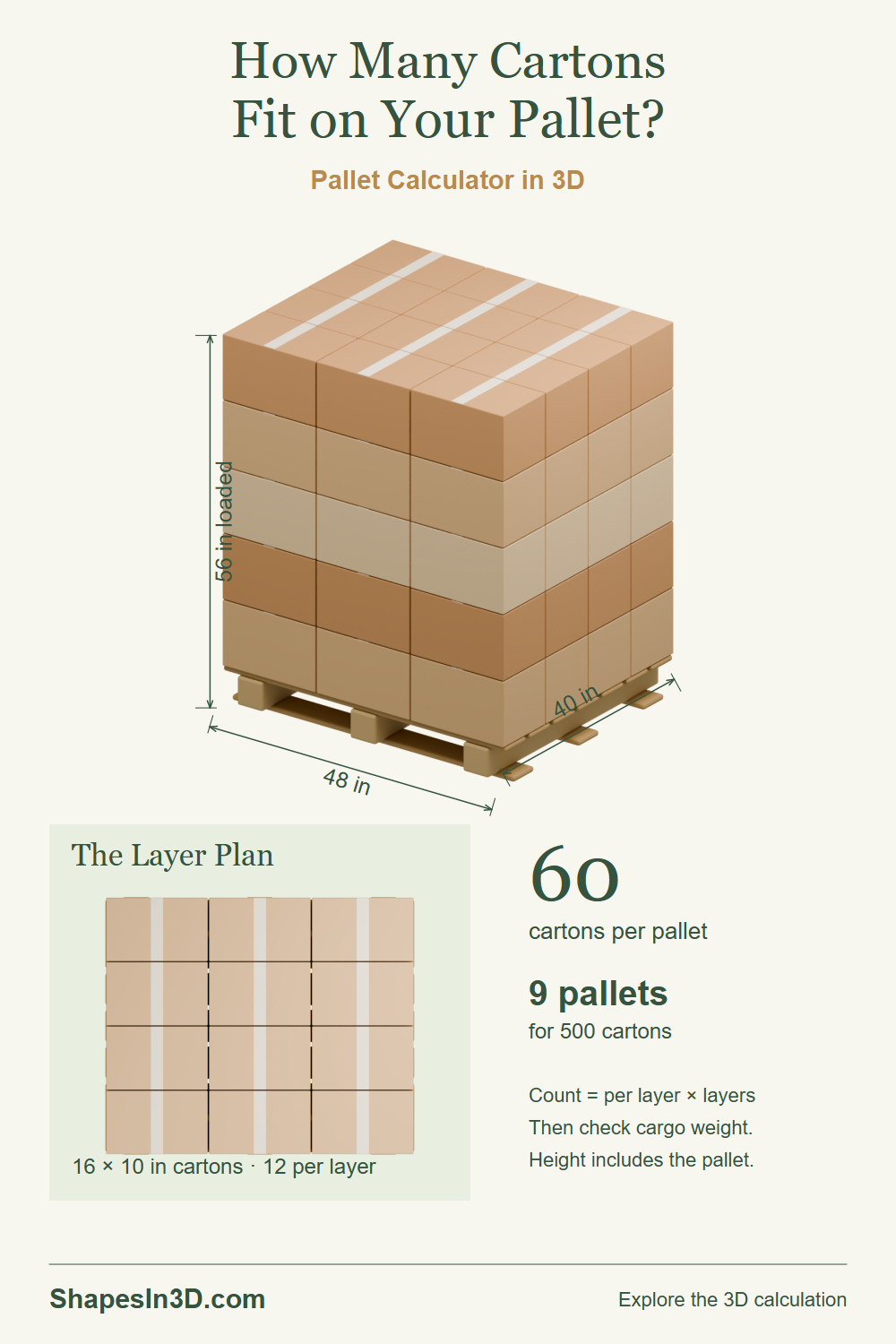
| Cartons per full layer | 12 | 12 on top |
| Shipment | 500 cartons | 9 pallets |
From One Pallet to a Shipment
60 cartons shown · 12 on the top layer · 60 maximum per pallet
The model shows the first pallet. The last-pallet quantity appears separately. Weight inputs stay in pounds when length units change.
Inspect the Selected Layer
What the Packing Comparison Tests
With rotation enabled, the calculator tries rows of cartons in both 90-degree orientations, then repeats the search along the other pallet axis. It keeps the highest count among those row patterns. All cartons keep their height upright, and no carton crosses the pallet boundary.
Height count = cartons per layer × floor((loaded height limit − pallet height) ÷ carton
height)
Weight count = floor(cargo limit ÷ carton weight)
Capacity = smaller of
height count and weight count
The calculator compares uniform and mixed-orientation row patterns with all cartons upright and no overhang. It does not prove a globally optimal packing or evaluate carton crush strength, load stability, restraints, racking capacity, or transport rules. Enter the actual approved cargo weight limit.
Featured Image
A loaded pallet, an actual carton layer plan, and the quantity checks that determine a shipment.
Pin ItView Featured Image